EBT tax removal, automatic.
EBTax detects EBT/SNAP transactions on your Clover POS and removes applicable taxes from eligible items. No manual adjustments, no compliance headaches, no slowdown at checkout.
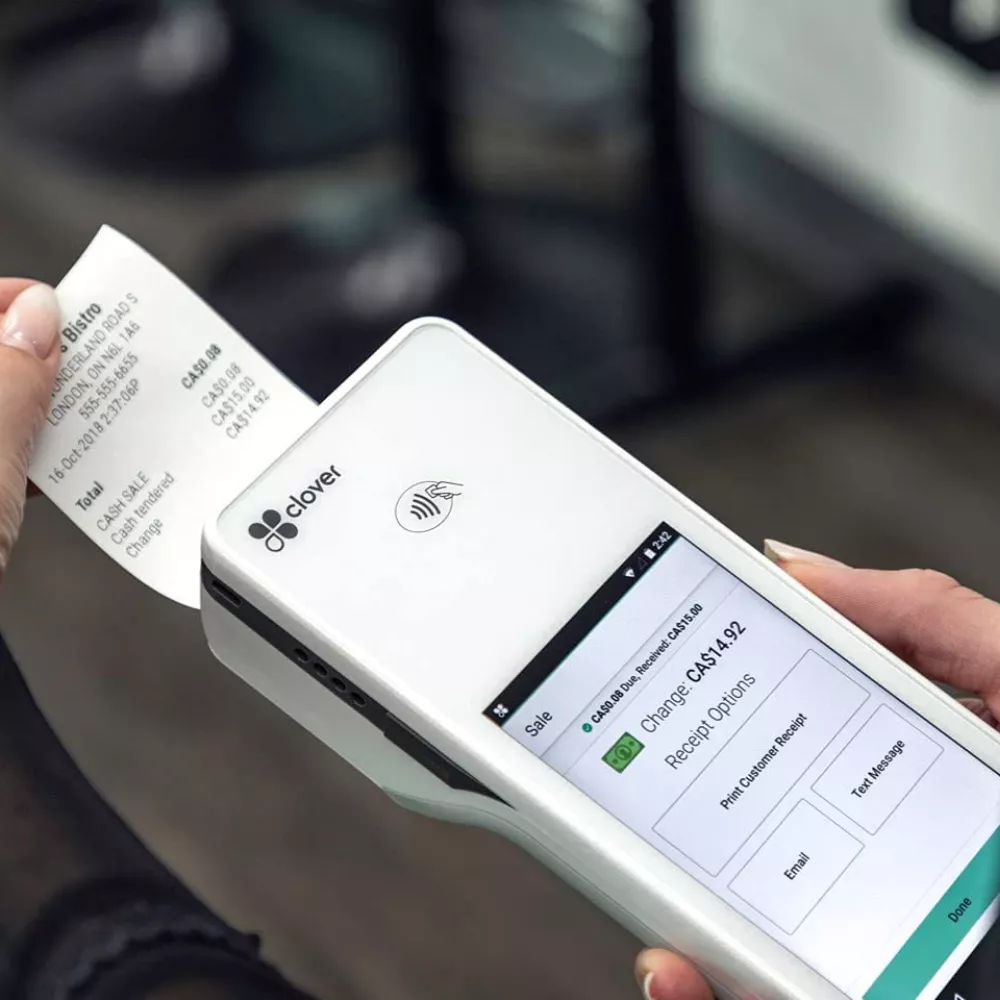
How It Works
Three steps. Zero manual work.
01
Install on your Clover
Download EBTax from the Clover App Market or contact us directly. Setup takes a few minutes with no configuration needed.
02
Ring up orders as usual
Your staff doesn't need to change anything. EBTax runs in the background and detects when an EBT tender is applied to the order.
03
Taxes removed automatically
Applicable taxes are removed from EBT-eligible items before the transaction completes. The receipt reflects the correct totals. Done.
Features
Built for speed and compliance.
Automatic detection
EBTax detects EBT tenders on the order and applies tax removal without staff intervention. No buttons to press, no steps to remember.
Tax compliance
Follows USDA SNAP guidelines and state tax regulations. Reduces the risk of overcharging customers on EBT-eligible purchases.
All Clover devices
Works on Clover Station, Station Duo, Flex, and Mini. If your Clover accepts EBT, EBTax works on it.
No checkout slowdown
Tax removal happens in the background during the normal transaction flow. Your line keeps moving.
Zero configuration
EBTax reads your existing Clover tax settings. No tax rules to set up, no categories to map. Install it and it works.
Direct support
Questions go straight to the engineers who built EBTax. No ticket queues, no offshore support teams.
Who It's For
If you accept EBT on Clover, this is for you.
Grocery stores
High volume EBT transactions with mixed carts of taxable and non-taxable items. EBTax handles the split automatically.
Convenience stores
Fast-paced environments where staff can't afford to manually adjust taxes on every EBT order. EBTax removes that step entirely.
Farmers markets
Mobile Clover setups at markets and pop-ups. EBTax works on Clover Flex and Mini so you stay compliant wherever you sell.
FAQ
Common questions about EBTax.
What does EBTax do?
EBTax automatically detects EBT/SNAP transactions on your Clover POS and removes applicable taxes from eligible items. No manual intervention required.
Which Clover devices does it work with?
EBTax works with all Clover devices including Clover Station, Clover Flex, Clover Mini, and Clover Station Duo.
Do I need to configure tax rules manually?
No. EBTax reads your existing Clover tax settings and automatically handles the tax removal for EBT-eligible items. Setup takes minutes.
Is EBTax compliant with state tax regulations?
Yes. EBTax is designed to comply with USDA SNAP guidelines and state tax regulations that require tax exemption on EBT-eligible purchases.
What types of businesses use EBTax?
Grocery stores, convenience stores, gas stations, farmers markets, and any Clover merchant that accepts EBT/SNAP payments.
Ready to simplify EBT compliance?
Get EBTax on your
Clover today.
Install in minutes. No configuration. Your staff won't even notice it's there, but your customers and your tax records will.
Get started