EBT tax exemptions on Clover, handled.
Label items in your Clover inventory as EBT-eligible once. At checkout, EBTax splits the order and removes sales tax from eligible items — no math at the register, no compliance headaches.
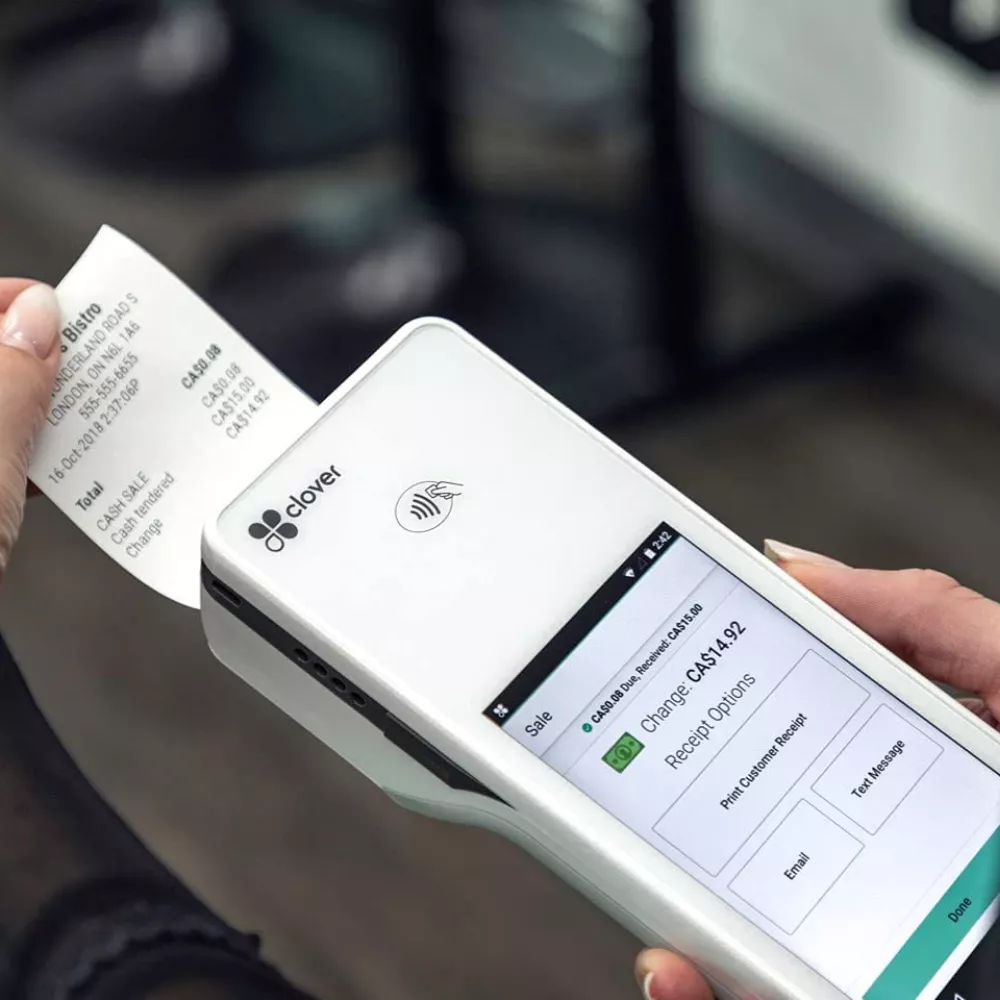
Three steps, minutes to set up.
EBTax works with your existing Clover inventory and tax settings.
Built for speed, privacy, and compliance.
Everything happens on your device, inside your Clover account.
If you accept EBT on Clover, this is for you.
Common questions about EBTax.
What does EBTax do?
EBTax lets you designate items in your Clover inventory as EBT-eligible, then applies sales tax exemptions to those items on open orders. It splits the order into an EBT-eligible group (tax-exempt) and a non-EBT group (taxed normally), so totals and receipts come out correct.
Which Clover devices does it work with?
EBTax works with Clover devices including Clover Station, Clover Flex, Clover Mini, and Clover Station Duo.
Do I need to configure tax rules manually?
No new tax rules are needed. EBTax uses the tax settings already in your Clover account. You label the items that are EBT-eligible, and EBTax handles the exemption on the order.
Does EBTax send my data anywhere?
No. EBTax runs entirely on your Clover device and within your Clover account. It does not collect, store, or transmit your business data or your customers' information to NolaByte or anyone else. See the EBTax Privacy Policy for details.
Does EBTax make my store compliant with tax law?
EBTax is designed to support compliance with USDA SNAP guidelines and state rules requiring tax exemption on EBT-eligible purchases. You remain responsible for correctly designating which items are eligible and for your business's overall tax compliance — see the EBTax Terms.
What types of businesses use EBTax?
Grocery stores, convenience stores, gas stations, farmers markets, and any Clover merchant that accepts EBT/SNAP payments.
Talk to the people who built it.
Setup questions, billing, feature requests, or anything else — email us and you'll hear back from an engineer within one business day.
EBTax support
Email contact@nolabyte.io with "EBTax" in the subject line, or use the contact form.
Legal: End-User License Agreement · Privacy Policy